Keep an eye on your numbers
Add numbers and trends to your Home Screen. Choose which site, metrics, and date range each widget shows.
Google Search Console and Bing Webmaster Tools,
together on your iPhone, iPad, and Mac.
Connect your accounts
Try the controls in the preview.
All data shown is illustrative.
Tap through the app with sample data.
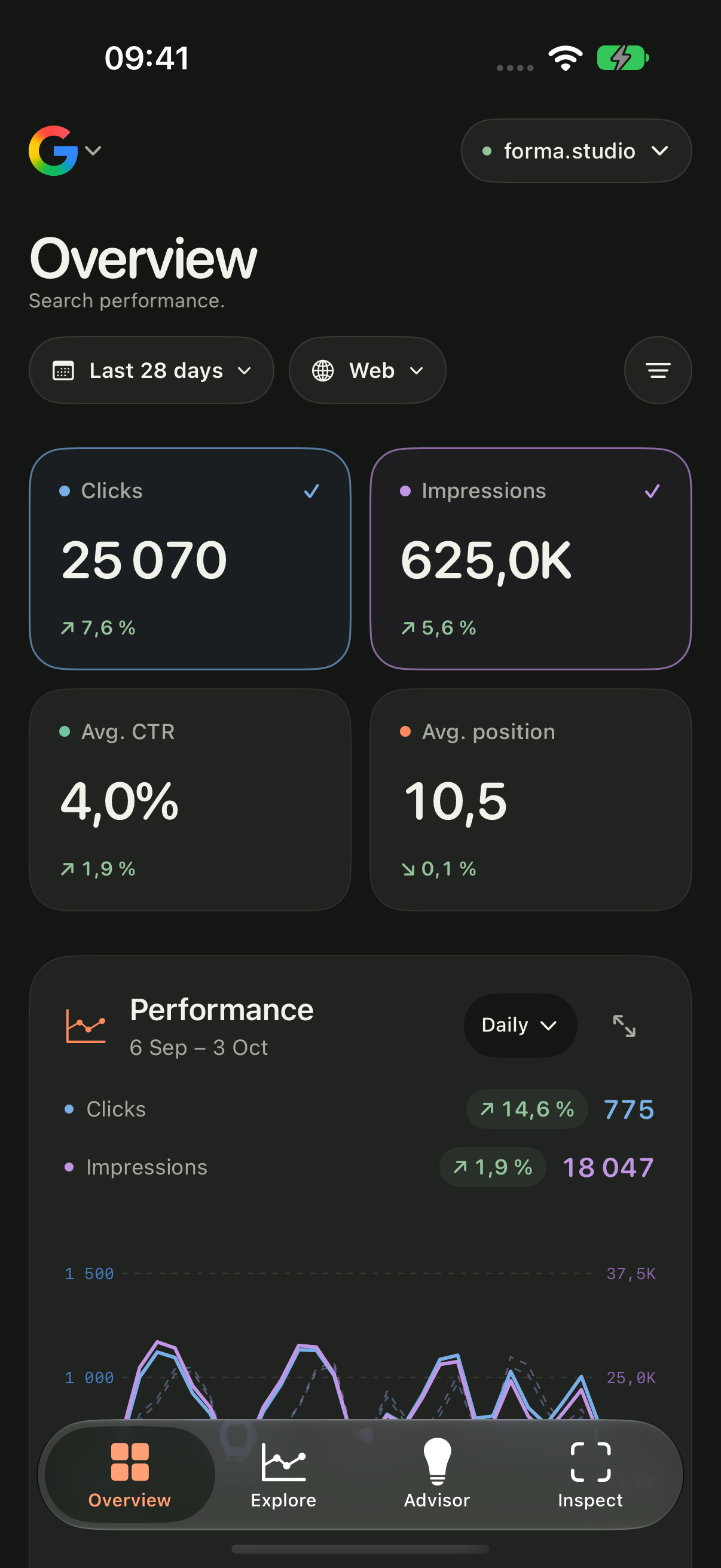
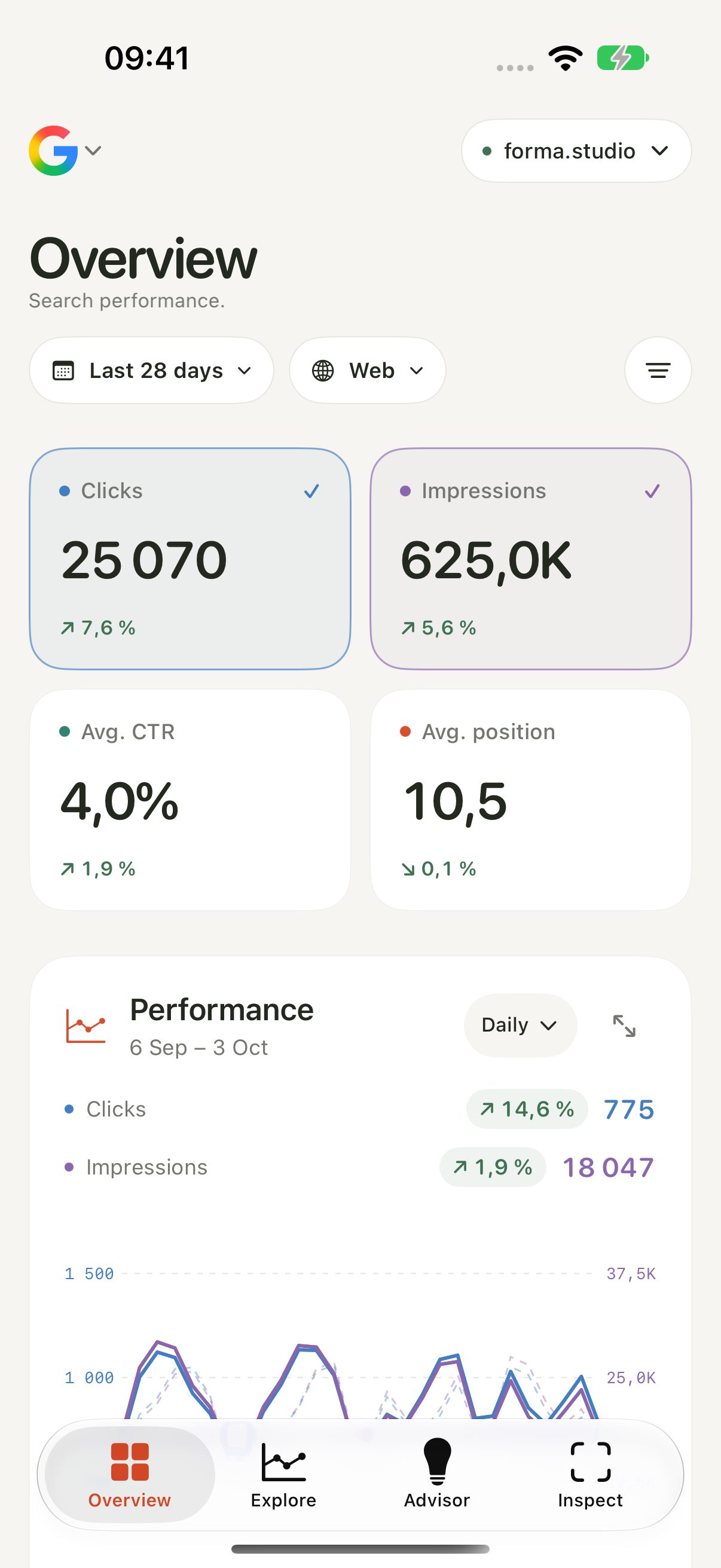
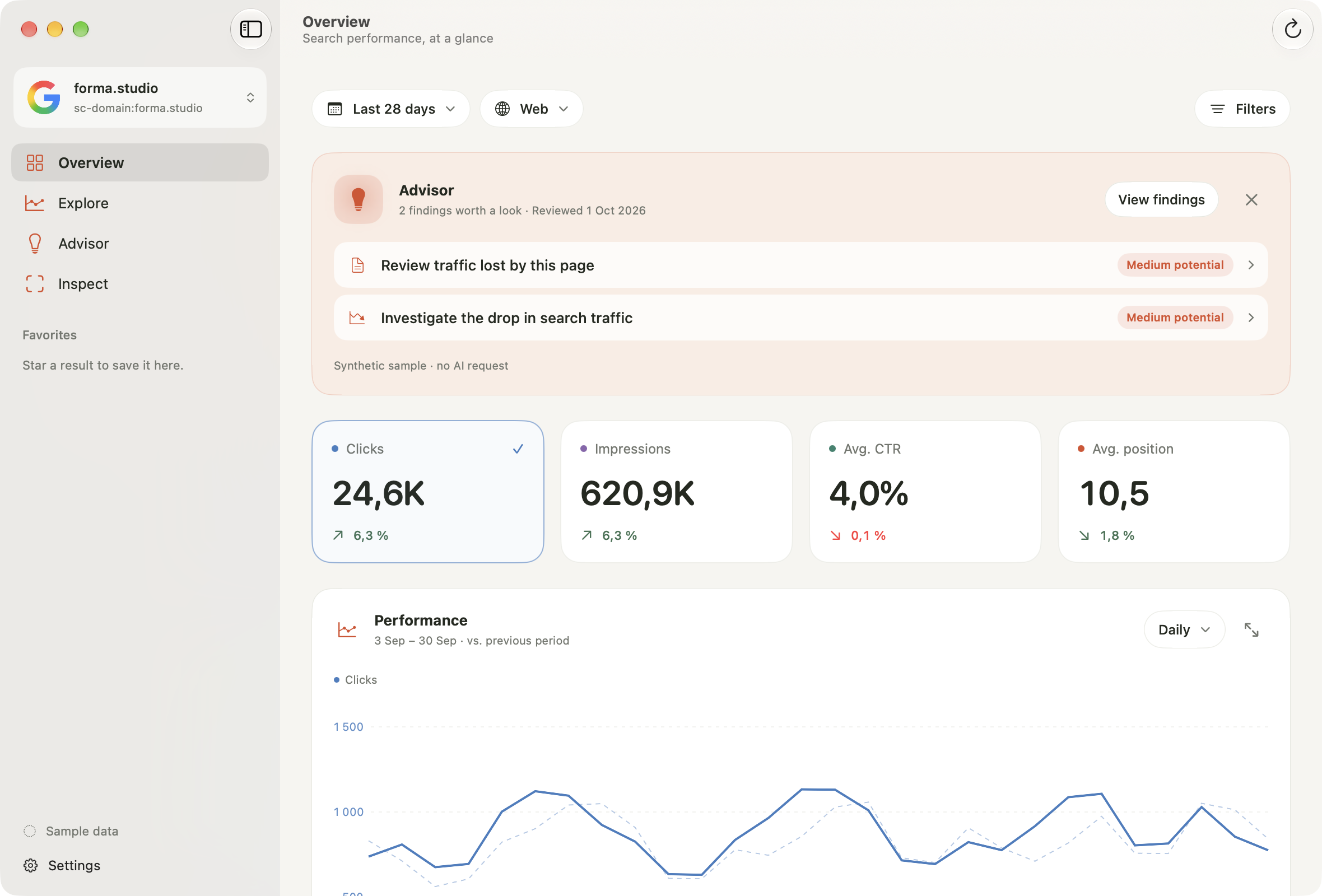
Compare clicks, impressions, CTR, and average position with the previous period. Open a top query for a closer look, or check Core Web Vitals for the whole site.
Try selecting a metric, or open a query.Search performance.
6 Sep – 3 Oct
Each metric uses its own scale.
What’s bringing people in
Queries, pages, and audiences.
12 results · 6 Sep – 3 Oct. Google returns top rows, so breakdowns can differ from totals.
Opportunities for your site.
Google Web
A preview of Advisor, using example data. Open a recommendation to see the evidence and next steps.
Indexing and sitemaps.
Check indexing, crawling, canonicals, and rich results in one place.
Checks Google’s indexed version, not a live page test. This preview uses saved example results.
Inspections are saved here so you can revisit them without another Google request.
Open a sitemap for its summary and the pages it lists.
Try selecting a metric, or open a query.
Interactive preview · example data
Home Screen widgets, notifications, multiple
accounts, and the controls you’re used to.
Add numbers and trends to your Home Screen. Choose which site, metrics, and date range each widget shows.
Switch between your sites and accounts without signing in again. Reports and preferences stay separate for each account.
Numic can let you know about new Advisor recommendations, days that stand out, a weekly summary, Core Web Vitals ratings, sitemap errors, and accounts that need reconnecting. Every check runs on your device, from the data Numic already loads.
Your Google and Bing reports, with query and page breakdowns, Advisor recommendations, and CSV exports.
Numic stores reports on your devices and uses Apple’s iCloud to keep saved history and preferences in sync. Connected accounts use Apple Keychain. There is no advertising or product-usage analytics. Optional crash and error reporting starts only after you confirm it.
Bing sign-in uses Numic’s authentication service. Numic does not ask for your Google or Microsoft password. Read the privacy policy
About the app and the upcoming release.
Numic is a native companion for Google Search Console and Bing Webmaster Tools on iPhone, iPad, and Mac. It brings your search performance, queries, pages, and site health into a focused app that feels at home on your device.
Not quite. Numic is coming soon for iPhone, iPad, and Mac. In the meantime, you can explore the interactive preview on this page. It uses illustrative data and doesn’t need an account.
Yes. Numic supports multiple Google and Bing accounts, with separate reports for each provider. Available metrics and features depend on the provider: Google supports richer breakdowns and URL inspection, while Bing includes traffic, queries, pages, and its supported site tools.
Numic is a native app for iPhone, iPad, and Mac. On Mac, you can compare search performance, explore queries and pages, review Advisor findings, and export reports as CSV. Saved history and preferences sync across your devices through iCloud when enabled.
On iPhone and iPad, yes. Numic can notify you about new Advisor recommendations, days that differ from the usual for that weekday, a weekly summary, Core Web Vitals rating changes, sitemap errors, and accounts that need reconnecting. Each type can be turned off, and you choose the change threshold and which sites to watch. Everything is evaluated on your device from the data Numic already loads; no server watches your sites. iOS decides when background checks run, and Google finalizes a day’s data two to three days later, so a change is usually reported a few days after it happens. Mac notifications aren’t part of the first release.
Reports are cached on your devices, while saved history and preferences sync through Apple’s iCloud. Connected accounts use Apple Keychain. Google requests go directly to its APIs; Bing authentication uses Numic’s service, which stores encrypted tokens. Optional crash and error reporting uses Sentry, requires your confirmation, and excludes account details and search data. The privacy policy explains these data flows and your choices.
To see your own data, you’ll need access to a property in Google Search Console or Bing Webmaster Tools. Numic also includes a separate demo workspace, so you can get a feel for the app before connecting an account.
Coming soon for iPhone, iPad, and Mac. Try the preview while we finish up.
Try the preview Coming soon for iPhone, iPad & Mac